OWN THE
RUNTIME.
Most “AI consultants” connect your business to ChatGPT or Claude and charge you for the wiring. We build custom AI servers and hybrid runtimes for sensitive, high-volume agentic systems: AI that lives in your office, runs on your hardware, and uses your data with explicit routing rules for what can go to the cloud.
Three things changed. Suddenly this works for normal businesses.
Free AI got good.
A few years ago, the only good AI was locked behind ChatGPT or Claude. Today, there are free, open AI models that you can download and run yourself — and they are now good enough for the everyday work most businesses need: reading documents, answering questions, transcribing calls, summarizing notes.
The hardware got cheap.
A custom AI server that can run useful local models in your office now costs between $1,500 and $12,000 depending on scale. Two years ago similar capability was far harder to justify. The math finally works for normal businesses, not just tech giants.
AI use went from chat to volume.
Businesses moved past asking a chatbot questions. AI now reads every document, transcribes every call, processes every intake form — always-on, high-volume work. That is exactly the work where running your own hardware is dramatically cheaper than paying per use.
Not a price scare. Three durable advantages.
Frontier cloud AI keeps getting better — and we still route the hardest reasoning to it. The case for owning your runtime is structural, not a bet on someone else's pricing: a cost you can budget, data that stays home, and economics that win on high-volume work.
Predictability.
Cloud AI is billed by seats and usage — the bill moves with your volume, and you learn the number after the month ends. A Node costs the same in your busiest month as your quietest. You can budget it like rent.
Sovereignty.
Bids, PHI, client records — your customers, regulators, and investors increasingly want to know exactly where that data lives. “On our server, in our building” ends the conversation. A cloud provider's terms of service does not.
High-volume economics.
For repetitive document, transcription, and intake workloads, local inference is dramatically cheaper at volume. The more you run, the more owning wins — the hardware pays for itself on work you were already doing.
The work that belongs in your building is the work you run the most.
Casual chat-style AI is a side dish. The main course is the always-on work: reading every document, transcribing every call, processing every intake form. That work is high-volume, touches your most sensitive data, and runs without a human watching it — which is exactly why it deserves a runtime you own, govern, and can point to. The rare, genuinely hard reasoning still goes to the cloud, by design.
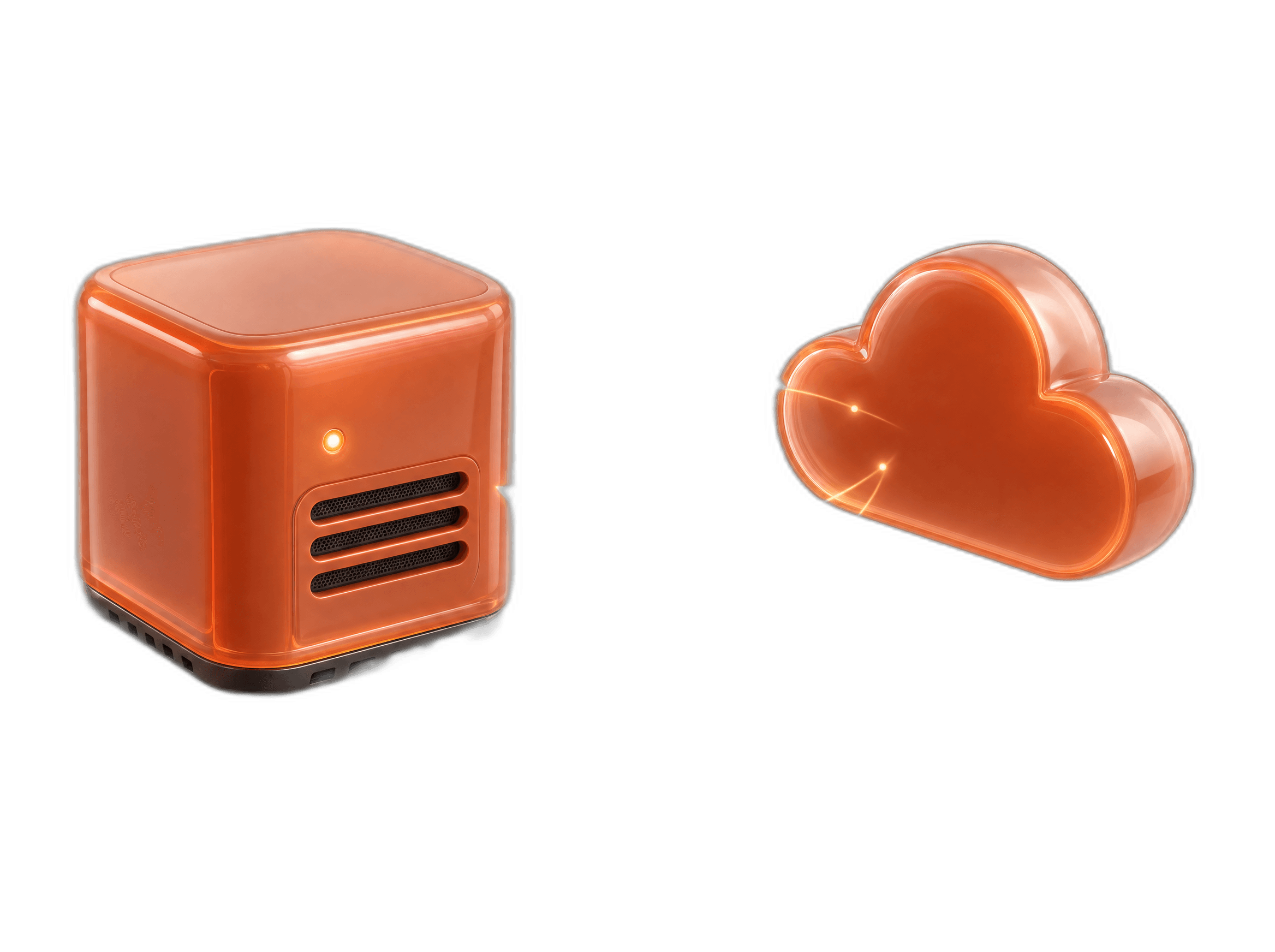
In-house by default. Cloud when it's worth it.
We sort each task in your business into two buckets: things that should run on your own hardware, and things where cloud AI is still better. Most things end up in-house — anything involving customer data, anything you run a lot of, anything where you don't want the bill to surprise you.
The rare tasks that genuinely need the smartest AI on Earth still go to ChatGPT or Claude — but only those tasks. You get the best of both, without overpaying for either.
In-house workflows
- Reading and comparing subcontractor bids
- Transcribing customer phone calls
- Answering questions about your company documents
- Turning voicemails into CRM tickets
- Reading intake forms and new leads
Why · Sensitive data, high volume, or needs to work offline
Cloud-routed workflows
- Heavy contract analysis and negotiation prep
- Drafting external marketing content
- Complex strategy or planning sessions
Why · Hard reasoning, low volume, not sensitive
Five build families. Real numbers. No “contact sales” games.
The server hardware itself is near pass-through. We make our living from designing the runtime, routing the workflows, governing the system, and keeping it running — not from marking up boxes.
Air-Gapped MoE Box
Low-throughput private AI for offline or tightly controlled work
- Build
- ≈ $9K
- Monthly Support
- $500 / mo
- Year 1 Total
- ≈ $16K
- Compact local box for private open-model inference where simplicity matters
- Offline Q&A, private document review, sensitive demos, and narrow batch tasks
Compliance Workstation
Quiet office install · focused team · private RAG and chat
- Build
- ≈ $27K
- Monthly Support
- $1.5K / mo
- Year 1 Total
- ≈ $47K
- High-memory Apple workstation for sensitive, low-noise local workflows
- Team document Q&A, call summaries, intake review, and private knowledge search
Compliance Workstation
Regulated mid-market · fine-tuning path · single-GPU serving
- Build
- ≈ $43K
- Monthly Support
- $1.5K / mo
- Year 1 Total
- ≈ $65K
- NVIDIA workstation for local serving, RAG, and selected fine-tuning
- Private copilot, regulated document workflows, and model tuning path
Frontier Cluster
Frontier open-model exploration · local showcase · beta cluster stack
- Build
- ≈ $102K
- Monthly Support
- $2.5K / mo
- Year 1 Total
- ≈ $140K
- Apple cluster for very large open MoE models where maturity caveats are acceptable
- R&D, executive showcase, frontier-model evaluation, and specialized batch work
Multi-User AI Server
Company-wide RAG · many users · high aggregate throughput
- Build
- ≈ $136K
- Monthly Support
- $3.5K / mo
- Year 1 Total
- ≈ $190K
- NVIDIA multi-GPU server for concurrency, batching, and fine-tuning
- Company copilot, many-user document workflows, fine-tuning, and continuous queues
The monthly plan covers: AI model updates, security patches, system monitoring, 1–2 new workflows per quarter, a quarterly business review, and a replacement-hardware promise. Need extra workflows beyond that? $2.5K–$7.5K each.
Slide your numbers in. See what you already spend.
Three sliders. Your team size, the share who use AI heavily, and what you pay per seat today. We'll total what your team already spends across AI subscriptions — and compare it to owning the same capability on a flat monthly cost.
The ones with AI open all day — developers, ops, analysts, anyone whose work depends on it
Count everything per heavy user — chat seats, call-note tools, AI features bolted into other software. Premium plan tiers alone run $100–$200.
How this model works:
· Standard users (casual chat-style use): $20/mo per seat
· Power users (AI open all day): the slider above sets their all-in spend across every AI subscription they touch
· Modeled precisely against your actual workflows during the Operating Blueprint.
9 standard @ $20 + 6 power @ $100
And it scales with every seat, tool, and usage-billed workload you add — managed runtime support stays flat.
At your size, subscriptions are still cheaper in raw cash — $780/mo today vs. $1,500/mo support. The case for owning is what subscriptions can't give you: a fixed bill, data that stays in your building, and a system you own at the end of Year 1. High-volume document and transcription work shifts the math further toward owning — we model that precisely during the Operating Blueprint.
Your data stays in the building.
We don't pitch this to everyone. We pitch it to businesses whose data is part of what makes them money, or whose customers, regulators, or investors would have something to say about it being sent to a cloud AI provider.
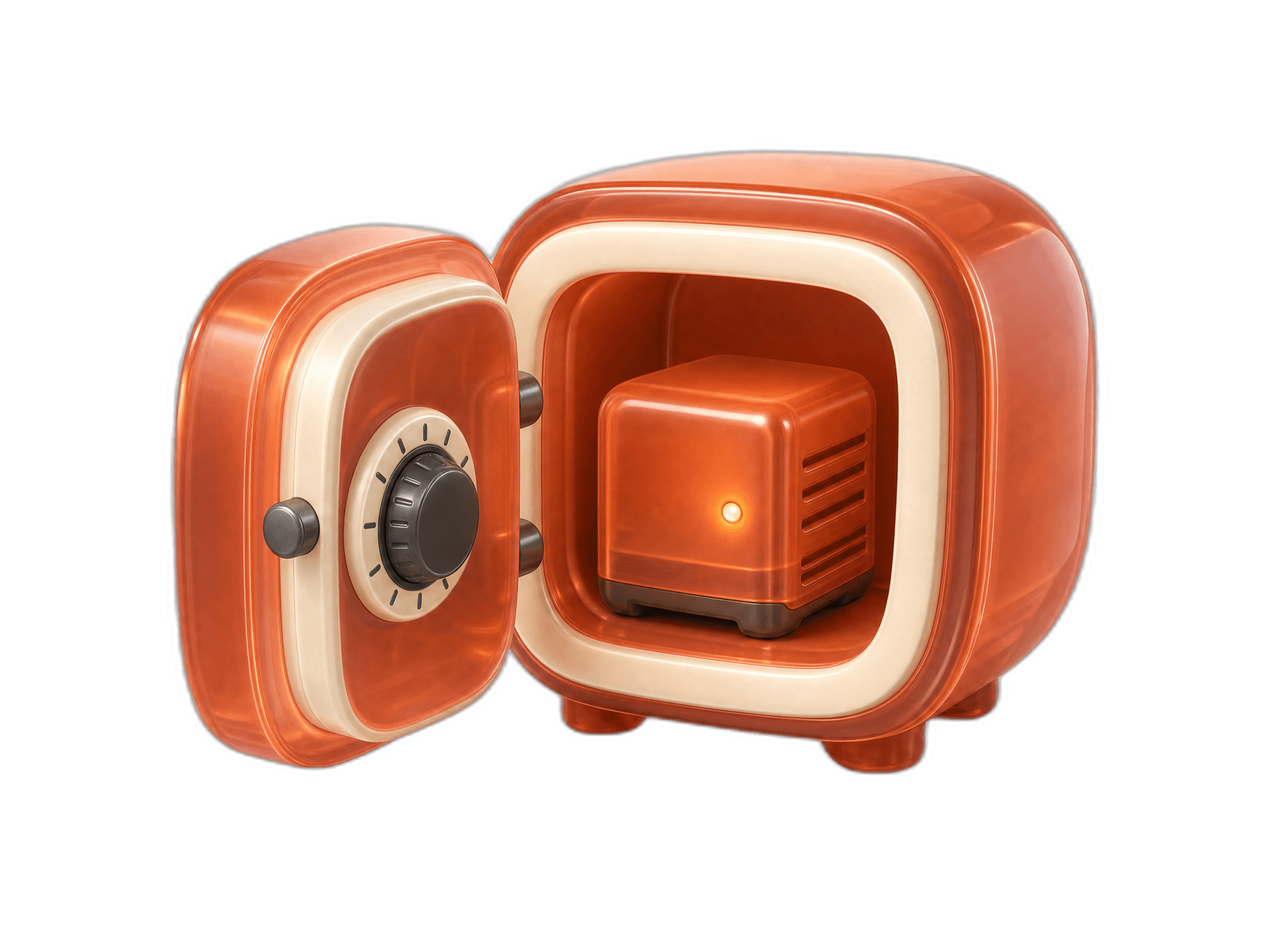
“Your bid data shouldn’t live on someone else’s computer.”
Your subcontractor pricing, your customer list, your historical win rates — that is the moat. Cloud AI policies let you opt out of training, but they don’t guarantee your data stays in your country, let alone your office.
- Reading and comparing bids
- Answering questions about takeoff documents
- Summarizing RFIs
- Turning voicemails into project tickets
“HIPAA-friendly AI. On your hardware. Not someone else’s cloud.”
Intake forms, treatment notes, voicemails — all protected health information. Sending it to a cloud AI tool is a compliance risk most owners haven’t fully priced in.
- Reading intake forms
- Transcribing voicemails
- Drafting no-show follow-ups
- Cleaning up treatment notes
“AI your IC and LPs can defend.”
LPs and diligence teams are starting to ask: "Where exactly does your portfolio company’s data live?" Pointing at a server in the building is a much easier answer than pointing at a cloud provider’s terms of service.
- Summarizing deal documents
- Portfolio reporting
- Internal playbook search
- Operating dashboards
“AI that respects fiduciary duty.”
Client confidentiality is the entire business model. Putting client data into a cloud AI tool is a structural risk, not a productivity hack.
- Summarizing documents
- Cleaning up meeting notes
- Internal Q&A on your files
- Client intake
Hard questions. Straight answers.
The tradeoffs and the pushback we get most often — addressed up front, not hidden behind a sales conversation.
ChatGPT and Claude are fine for us — why change?
For which tasks? We help you figure out which AI tasks involve customer data, financial data, or things you would not want sitting on a competitor’s server. Those move in-house. Everything else stays where it is. The case is rarely "everything" — it is "the parts that matter most."
Aren’t cloud AI tools always going to be smarter than something we run ourselves?
For the hardest tasks, yes — for now. So we use them where they matter. Every setup we build is a mix: cloud AI handles the genuinely difficult reasoning; in-house AI handles the high-volume, sensitive, repetitive work that makes up most of your day. You get the best of both, without overpaying for either.
Isn’t the upfront cost a big check to write?
It is a real check — between $1,500 and $12,000 for hardware, plus setup. The reframe: add up what your team already pays today across ChatGPT, Claude, call-note tools, and AI features bolted into your other software. For most 20-person businesses that is already $1,300–$2,500 a month. Our plan lands in the same range — but it is fixed, and at the end of the year you own a working system instead of twelve months of subscription receipts.
We don’t have an IT team to keep this running.
That is exactly what the monthly support plan is for. We are your IT team for this system. You don’t touch it. We monitor it, update the AI models, patch security, and add new workflows. Running this yourself without support is a recipe for it to break inside six months — that is the honest truth, and the plan exists because of it.
What if the hardware breaks? What if FoxTrove goes away?
Hardware: a replacement ships within 48 hours, and your setup and workflows are backed up and restorable. Covered by the plan. FoxTrove: the software running on your hardware is open-source, you own the hardware, every workflow is documented. You can walk away clean at any time. No lock-in by design.
Will this replace everything else we use?
No. If Microsoft 365 Copilot is working, or a vertical SaaS tool you already pay for does the job — we leave them alone. We do not replace what works. We replace the parts where cloud AI is exposing you to data risk, unpredictable bills, or both.
Find out if this is a fit for your business.
Start with the Operating Blueprint or a focused fit call. We walk through how your team is using AI today, score each task on sensitivity, volume, risk, and cost exposure, then tell you what belongs on your custom server, what belongs in the cloud, and what should stay exactly where it is.